
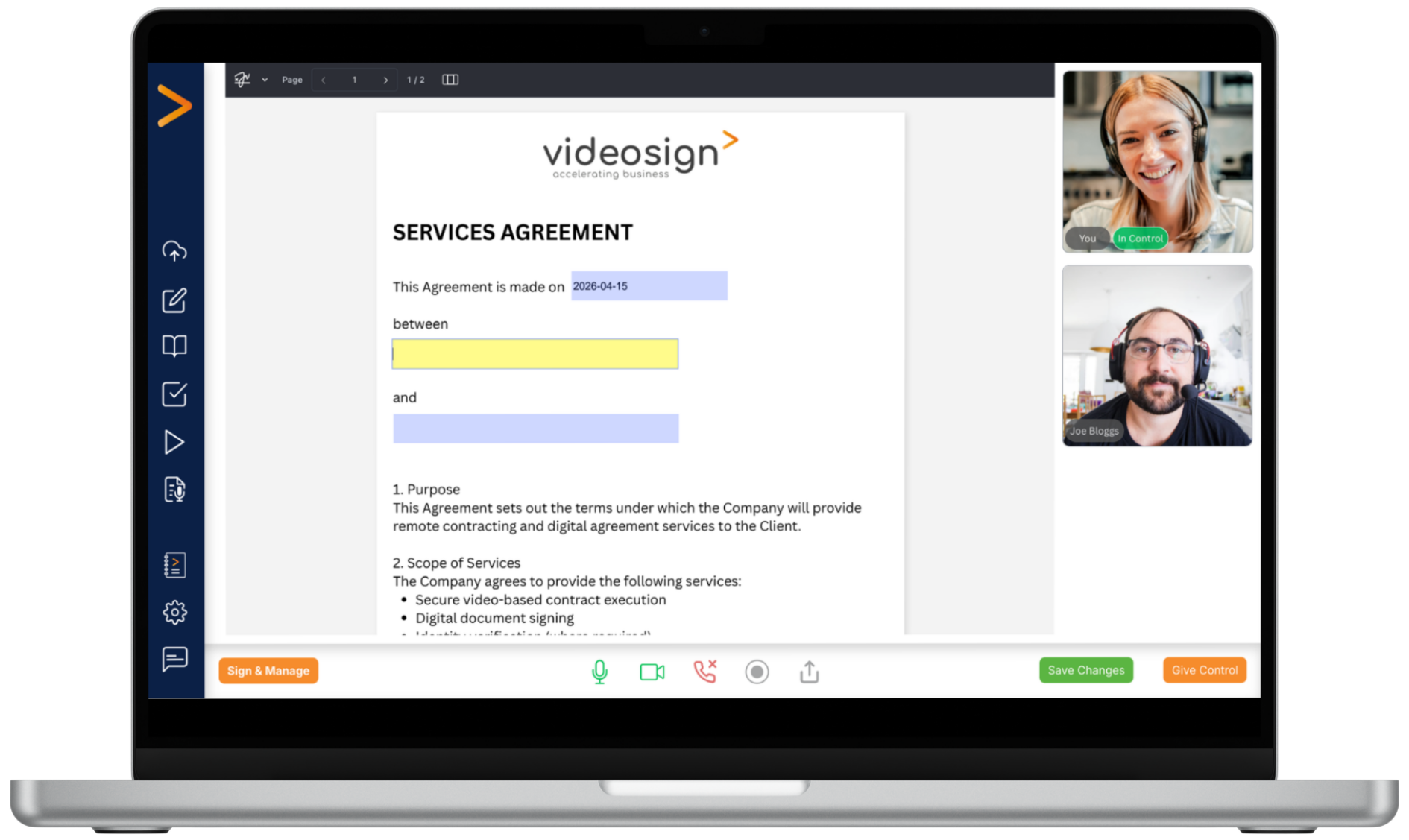
Review documents together
Guide participants through documents in real time, ensuring everyone stays aligned and informed.
.png?width=80&height=80&name=Website%20Icons%20(2).png)
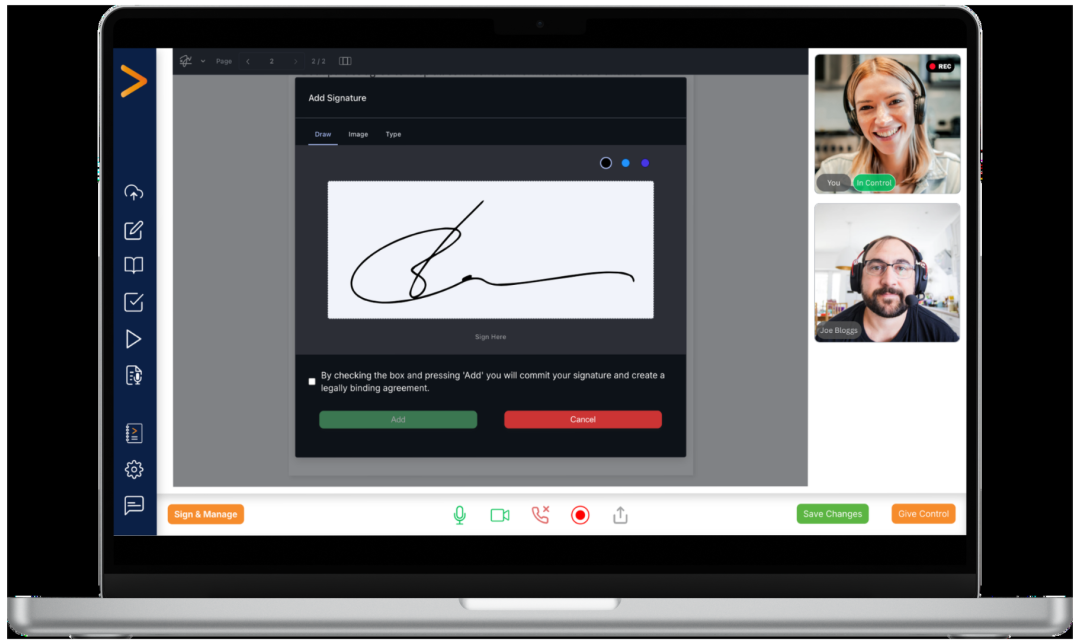
Complete agreements live
Fill in forms and capture signatures during the meeting, helping agreements move forward faster.

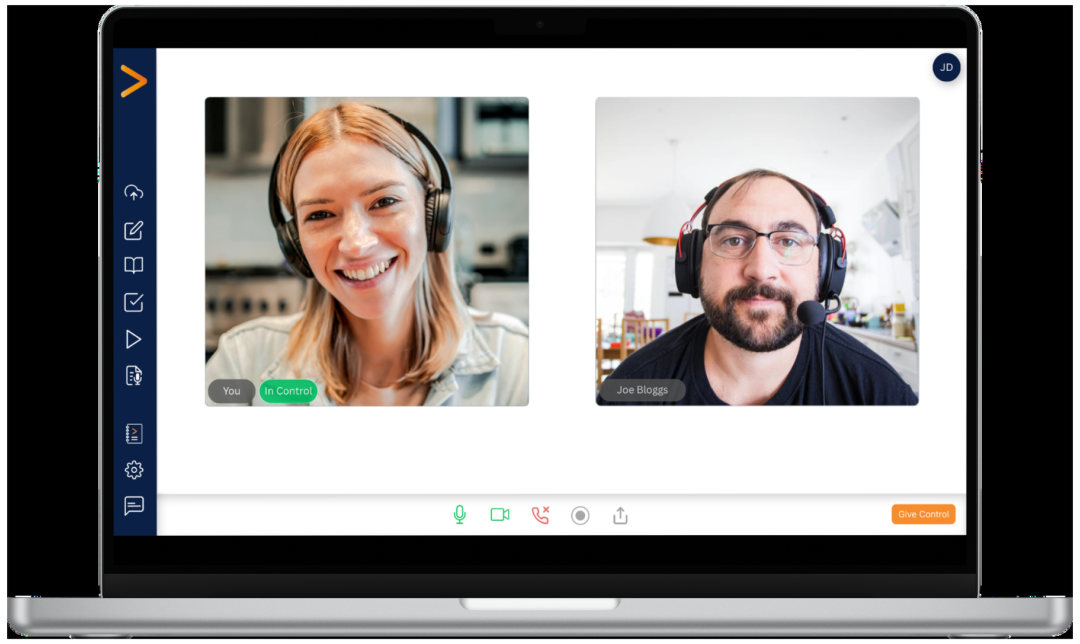
Support remote witnessed signing
Bring signers and witnesses together to complete agreements remotely, with video evidence.

Maintain a complete record
Every completed document generates a Certificate of Authenticity, providing a full audit trail.
.png?width=1080&height=644&name=computer%20mockups%20(1).png "computer mockups (1)")
.png?width=100&height=100&name=Website%20Icons%20(3).png)
Compatible with SES, AES and QES
Support different levels of assurance to meet your compliance and signing requirements.
.png?width=100&height=100&name=Website%20Icons%20(4).png)
Transcriptions and summaries
Automatically generate meeting transcriptions, summaries and key action points.
.png?width=100&height=100&name=Website%20Icons%20(5).png)
Meeting and point of signature recordings
Maintain a clear record of what was discussed, the understanding and agreement.
.png?width=100&height=100&name=Website%20Icons%20(6).png)
Works seamlessly with Contract Creator
Create templates and upload them to the meeting room to complete and sign - all within Videosign.